Introduction
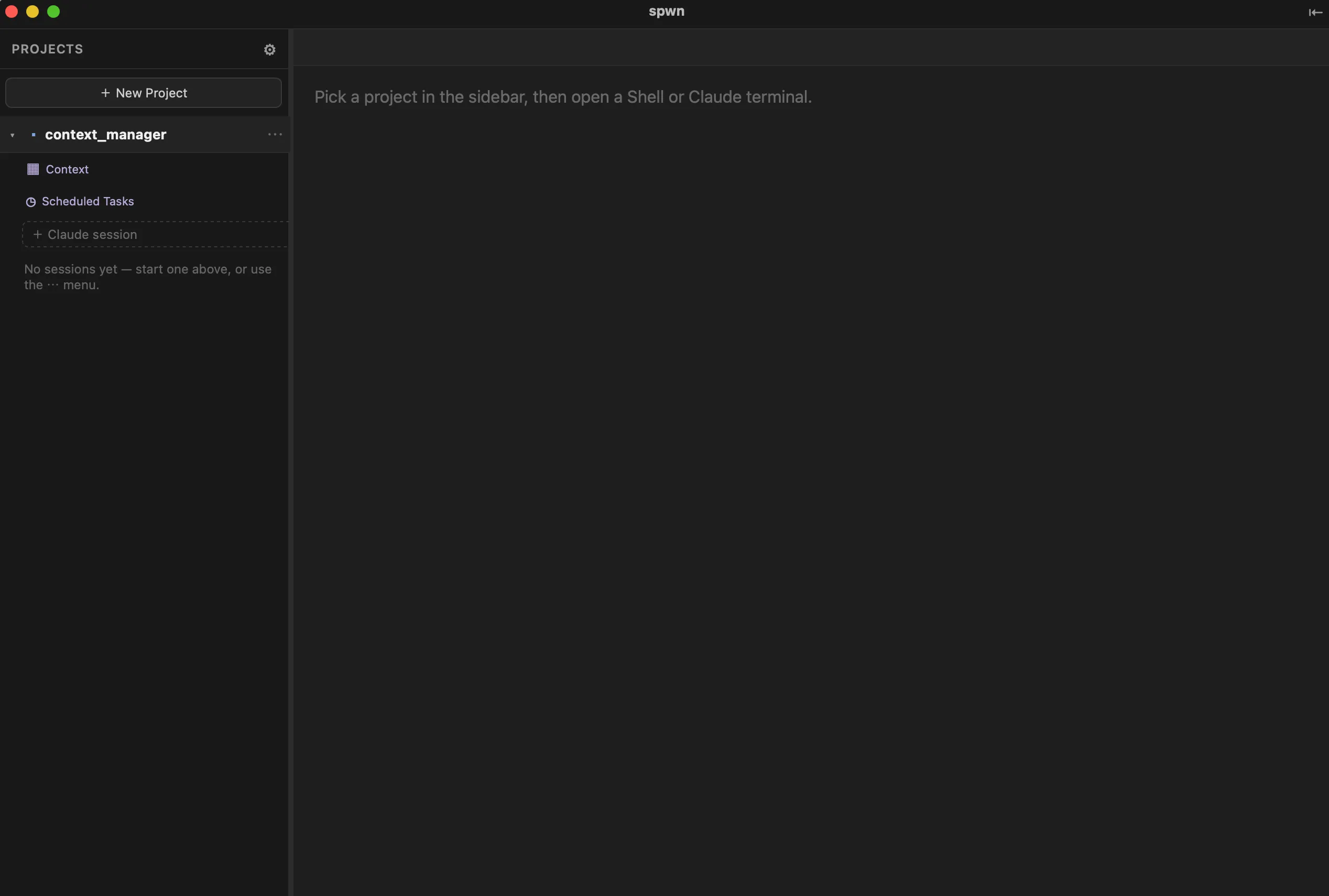
spwn is a native macOS app for running Claude Code agents in parallel. Every Claude session works on its own git branch, in its own isolated copy of your code — so you can explore several approaches at once and merge back only what worked.
The problem
Section titled “The problem”A Claude Code conversation is a straight line in a single terminal. Real work isn’t:
- You want to try an idea one way, back out, and try it another — without losing the first attempt.
- You want a few agents working at once, not one at a time.
- You lose running work the moment a terminal window closes.
- You re-explain the same project background to every fresh session.
You can stitch this together yourself with git worktrees, terminal multiplexers, and a notes file. spwn is what that would become if you built it properly — and then didn’t have to maintain it.
The idea
Section titled “The idea”spwn adds a thin layer over your existing Claude Code setup that makes parallel, disposable exploration the default:
- A branch and workspace per session. Each Claude session runs on its own
spwn/…git branch in its own worktree, copy-on-write seeded with your build folders so it’s ready to build immediately. Sessions run side by side without clashing. - Merge back only the winners. Every session commits as it goes, so its branch is
always real, mergeable history. Merge with a click or with plain
git— nothing lands on its own. - Explore without losing work. Fork a session to branch off, or use the Timeline to return to an earlier point. Sessions keep running after you quit the app.
- Start primed, not cold. Collect the notes, files, and best answers for a project in its Merge tray, then Inject them as the first message of a new session.
- Runs that happen on their own. Schedule read-only tasks against a project and read the results when you’re back.
Core concepts
Section titled “Core concepts”Three terms cover most of spwn; the rest are defined in the Glossary.
- Project — a name and a folder that groups everything you do there: its sessions, shells, Merge tray, and scheduled tasks. You decide what’s a project and what it’s called.
- Session — an isolated Claude workspace: its own conversation and its own copy of your code, on its own git branch. This is the unit you explore, fork, and merge.
- Shell — a plain terminal in the project folder. No conversation, no branch — just a shell for git, builds, and tests.
- Installation — get spwn running on your Mac.
- Quick Start — create a project and run your first parallel sessions.