Merge Tray
Each project has a Merge tray: a collection of notes, files, and turns saved from any session. Inject turns it into a first message and opens a new Claude session seeded with it — so you stop re-explaining the same background every time.
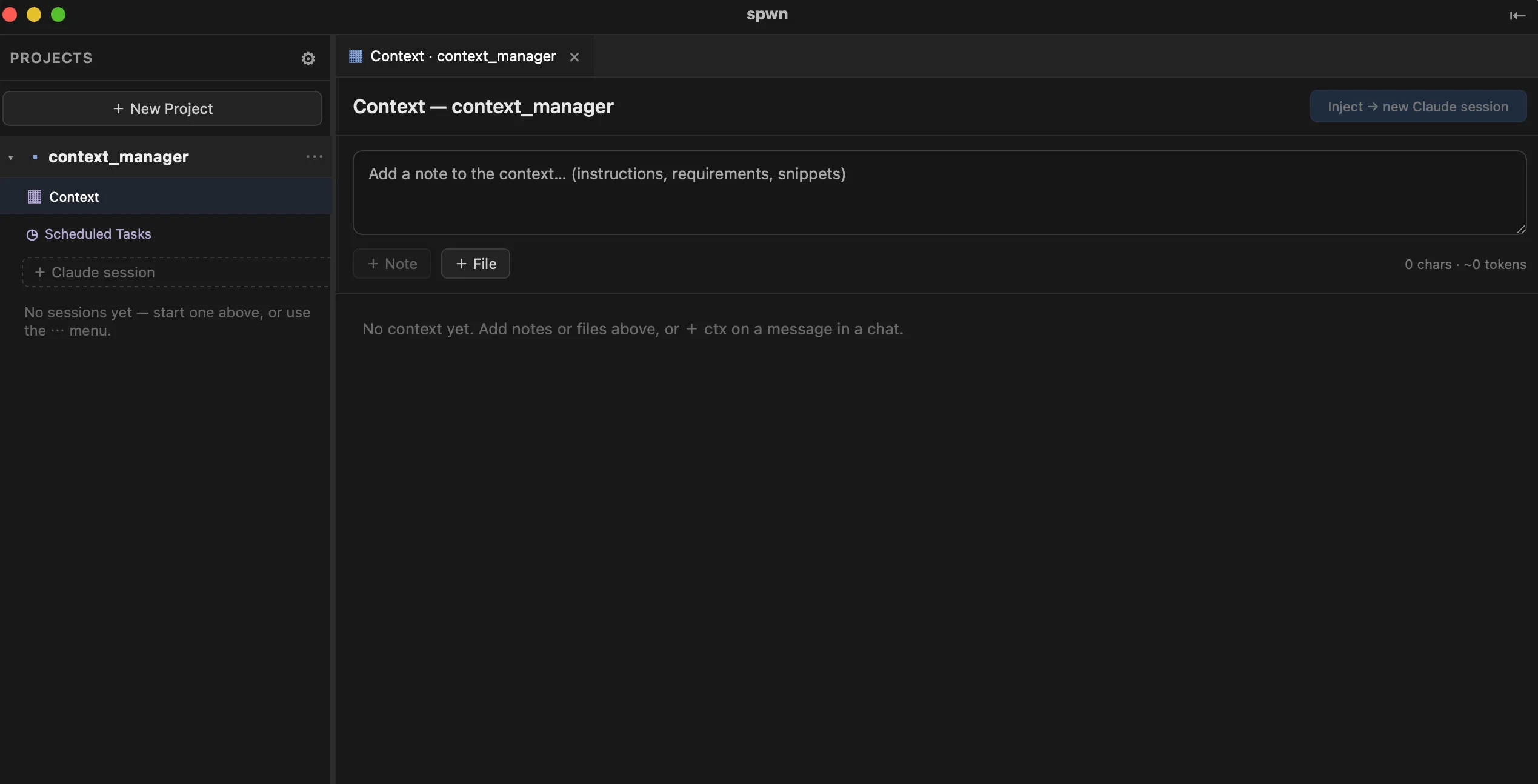
Open the Merge tray
Section titled “Open the Merge tray”On a project in the sidebar, open its ▦ Merge tray row. The tray is per-project — each project has its own.
Building blocks
Section titled “Building blocks”A tray is assembled from blocks you can add, edit, reorder, and remove:
- Notes — free text you write directly (instructions, requirements, a snippet).
- Files — files from the project pulled into the tray.
- Saved turns — individual answers picked from the conversation view of other sessions with + ctx. This is how you carry a useful exchange from one session into a fresh one.
Reorder blocks to control how the message reads, and remove anything that’s gone stale.
Inject
Section titled “Inject”When the tray is ready, click Inject → new session. spwn opens a new Claude session in the project whose first message is your composed tray — so it starts with exactly the background you want, instead of starting cold.
A typical loop
Section titled “A typical loop”- Work in a Claude session; notice an answer worth keeping.
- + ctx to save that turn into the project’s Merge tray.
- Add a note or a file or two for framing.
- Inject → new session to spin up a fresh, well-seeded session.
The same tray also powers Scheduled Tasks: a scheduled run can reuse it, so an automated report starts with the same background you’d give it by hand.
- Scheduled Tasks — reuse this tray on a schedule.
- Sessions & Shells
- Branches & Merging